
Sign up For Amazon and Follow these steps
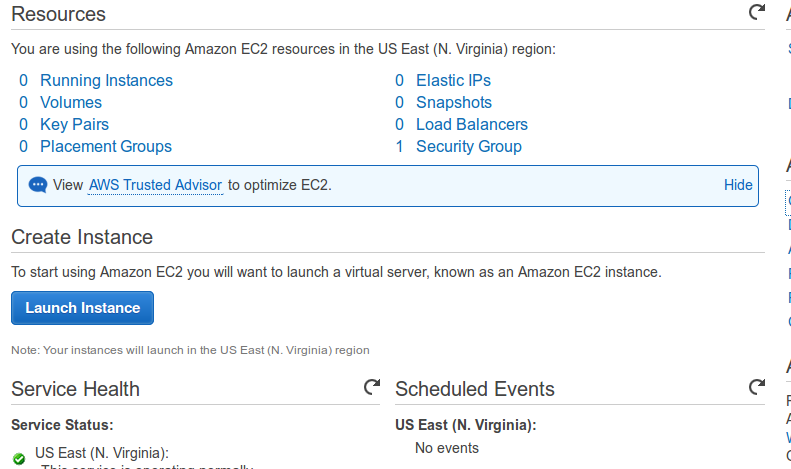
- Launch New Instance
Click on Launch Instance to start your amazon EC2 Instance Launch.
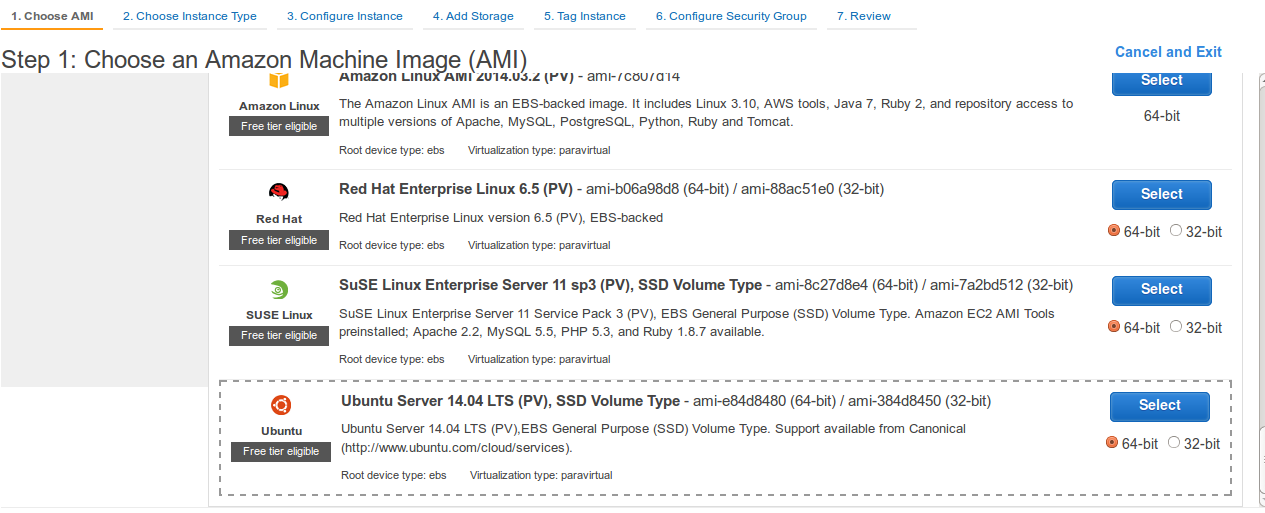
- Select AMI (Linux Distribution Image your server will be Running on).Select Ubuntu or Debian Images as EasyEngine supports these only.
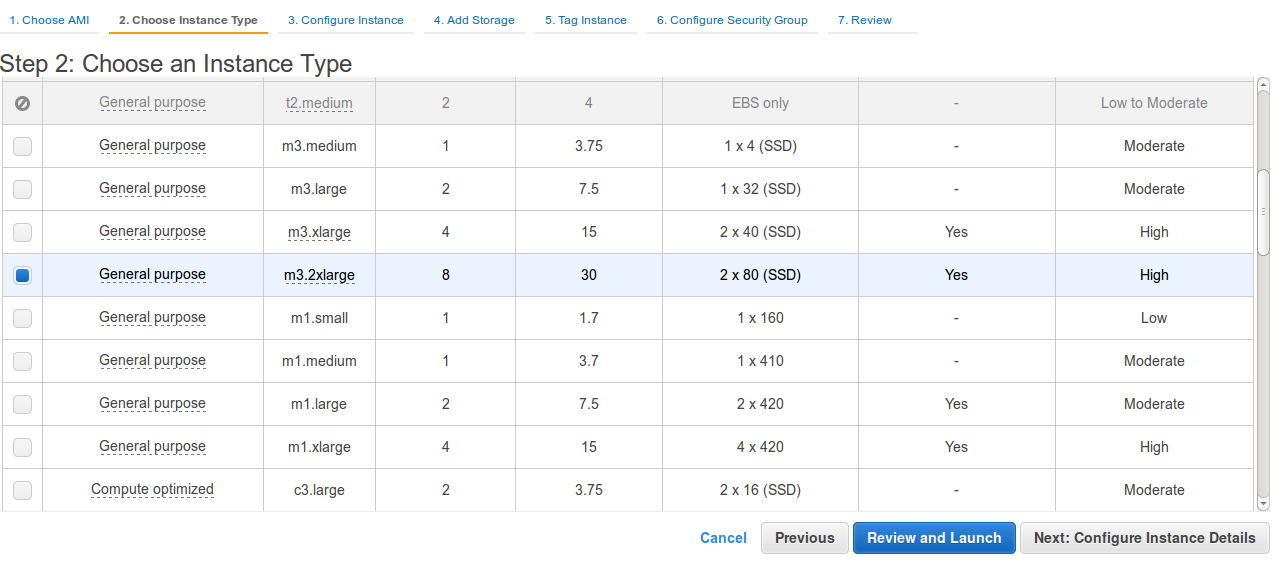
- Select Instance TypeHere select instance type as per your website needs server configuration. Like RAM, Storage..etc
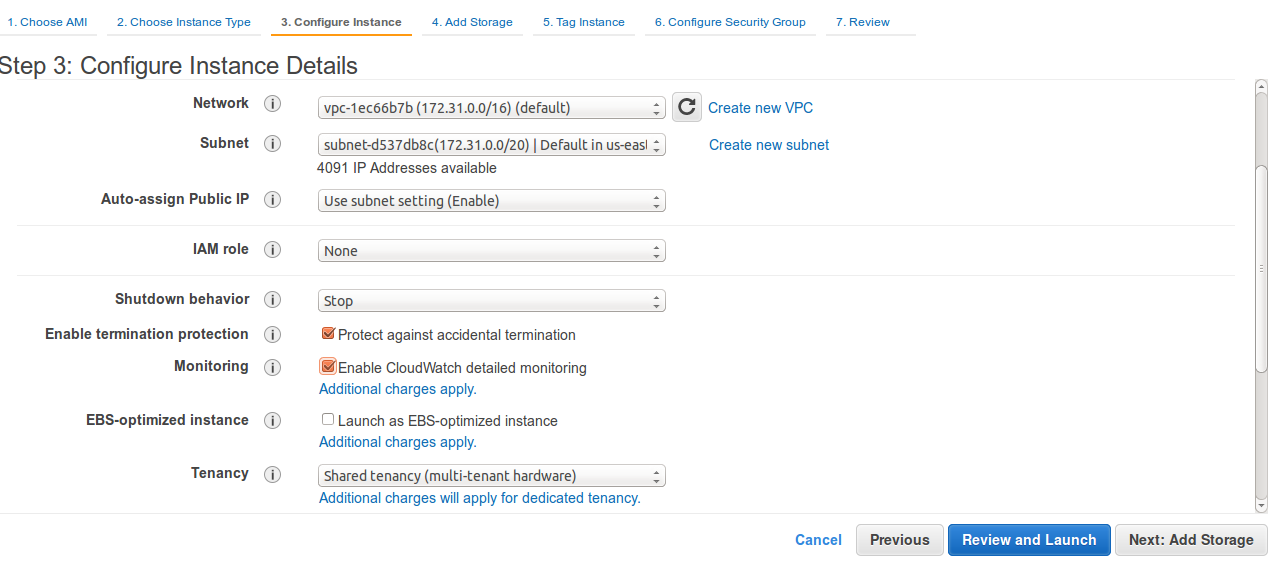
- Configure Instance DetailsHere you should select Shutdown Behaviour as Stop Otherwise your instance will get terminated on shutdown/reboot.
- Add StorageHere Add Storage to your instance
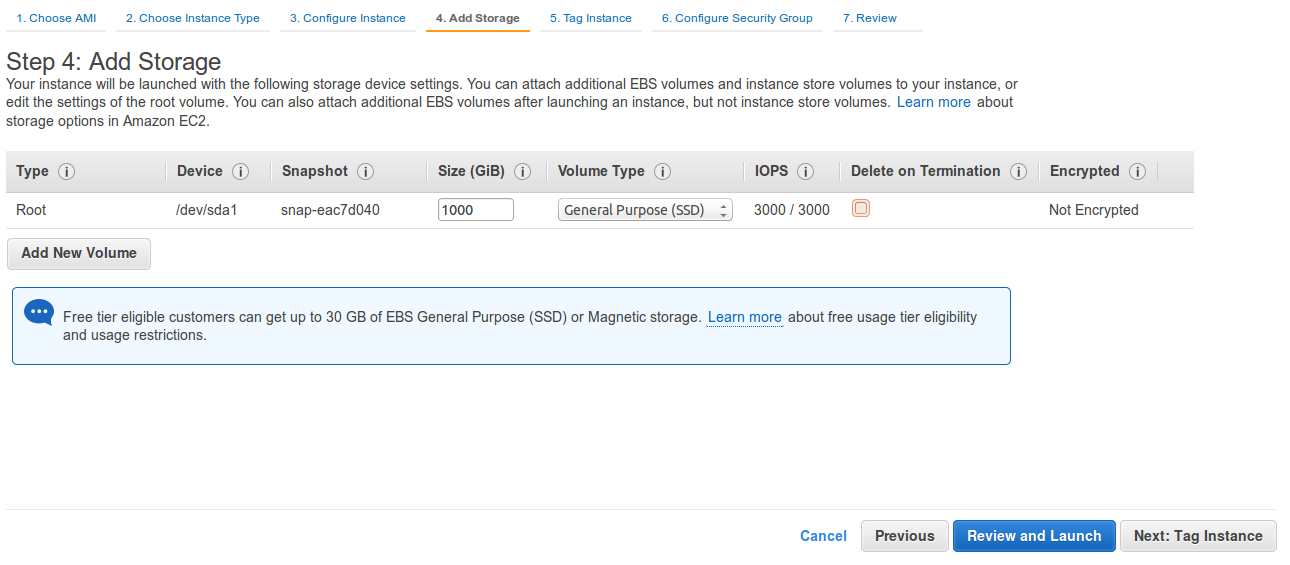
- Tag Your InstanceGive name to your instance
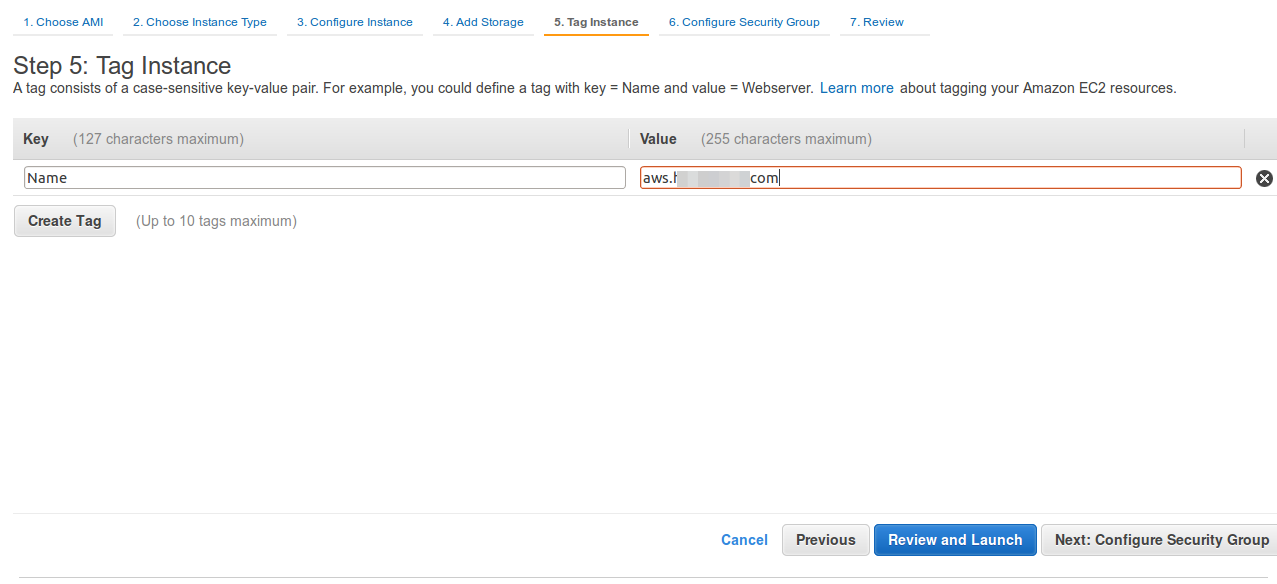
- Configure Security GroupHere you need to specify the ports you want to keep open
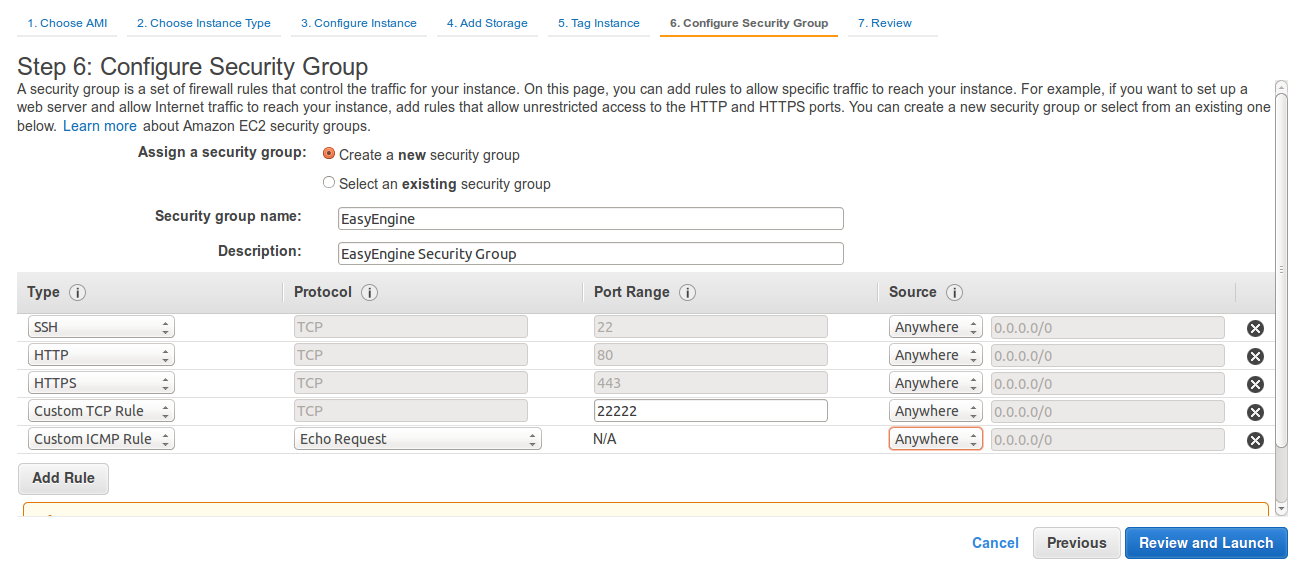
- Review your New Instance Configuration
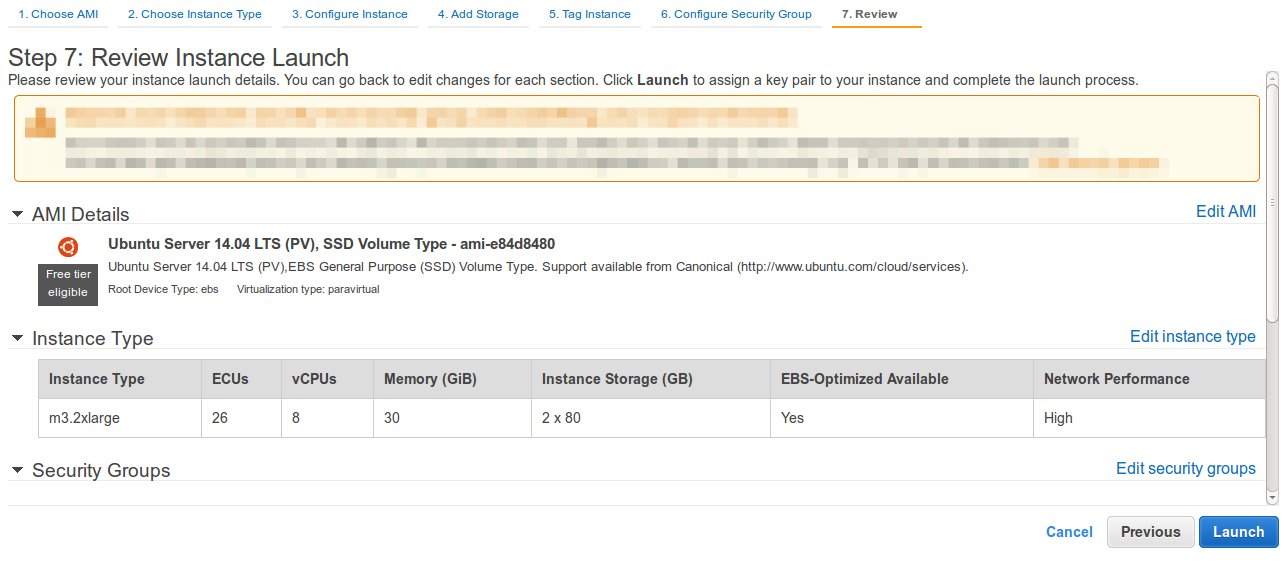
- Click on launch instance and download the PEM Key given by AWS.
- Login To your serverUsing SSH you can login to your server in following way
  #Change permission of key file

  chmod 600 key.pem

  #Connect to instance

ssh -i key.pem ubuntu@<public-ip-of-ec2> - Next Step is to Install EasyEngine On your Fresh Droplet