
With EasyEngine v4.15.0, your WordPress and PHP sites can run PHP 8.6, less than a week after its release. By default, a site on PHP 8.6 runs in strict session mode, so PHP accepts only session IDs it created. The site’s session cookies are SameSite=Lax and HttpOnly, so JavaScript in the browser can’t read them. PHP 8.6.0 was released on November 19, 2026, and v4.15.0 followed on November 23.
PHP 8.6 gets security fixes until December 31, 2030. The update changes no site’s PHP version: each site moves when you run ee site update.
Dashboard-managed servers are already updated to v4.15.0. On CLI-managed servers, read the update notes below, then run ee cli update.
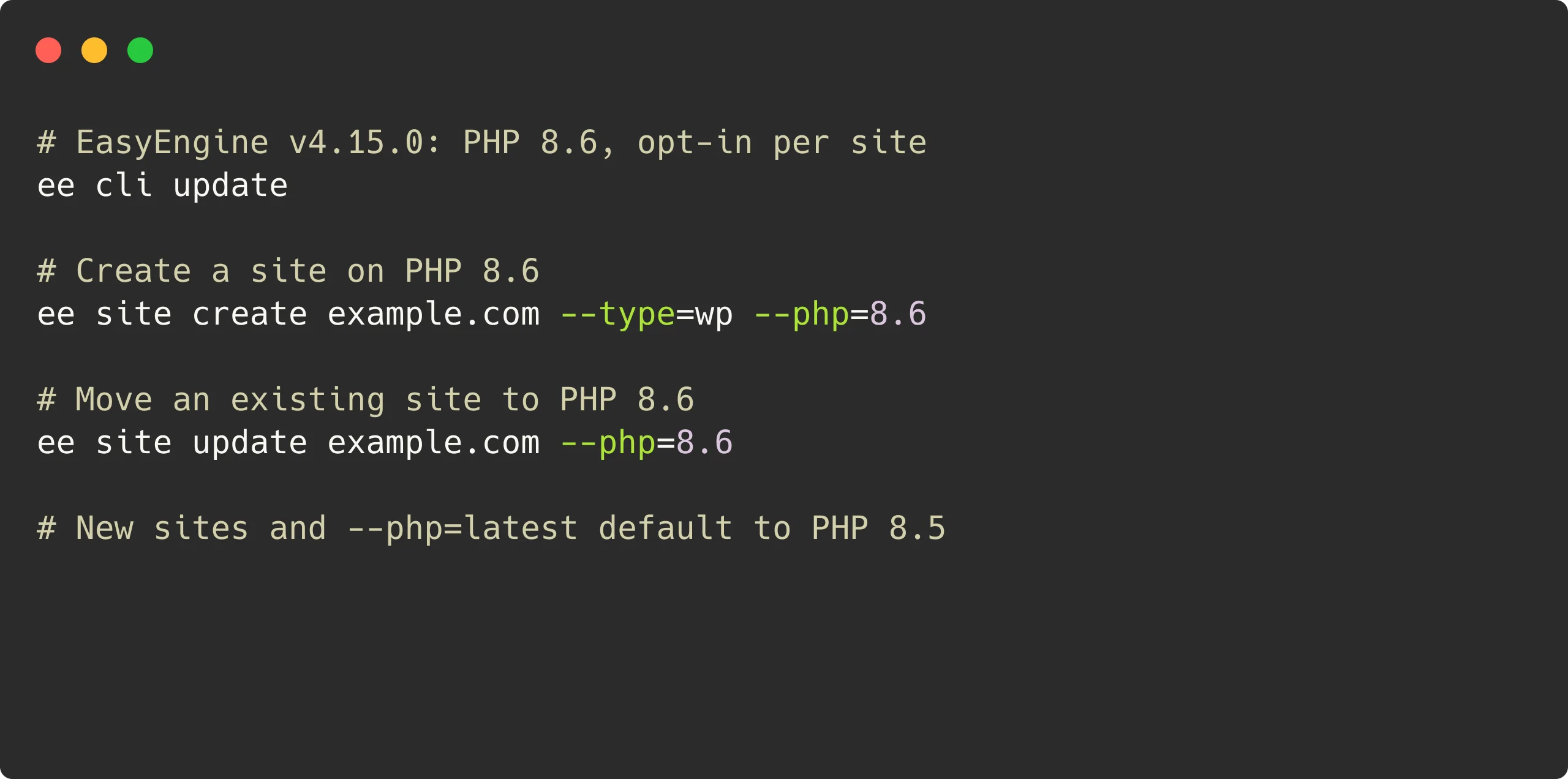
Run a site on PHP 8.6
PHP 8.6 has active support until December 31, 2028. Before you move a site, check that its theme and plugins support PHP 8.6 and read the PHP 8.6 notes below. If a plugin isn’t there yet, PHP 8.6 will wait.
			# Create a WordPress site on PHP 8.6
ee site create example.com --type=wp --php=8.6

# Back up an existing site, then move it to PHP 8.6
ee site backup example.com
ee site update example.com --php=8.6
On servers you update, the PHP 8.6 image (about 1 GB on disk) is downloaded the first time a site uses it.
New sites start on PHP 8.5
A new WordPress or PHP site starts on PHP 8.5 when you leave out --php or pass --php=latest. PHP 8.5 has active support until December 31, 2027, a year longer than PHP 8.4, the previous default.
Sites created previously with --php=latest stay on the version they run, such as 8.4.
New Relic on PHP 8.5
PHP 8.5 sites can report to New Relic APM, because the PHP 8.5 image includes the New Relic PHP agent. A site starts reporting once you enable the New Relic daemon, add your license key and restart the site. Configure New Relic in EE4 has the steps.
Stack updates
The PHP 8.3 and 8.5 images are rebuilt on the same PHP versions, 8.3.37 and 8.5.13, with imagick 3.8.1. Every other existing image is unchanged from v4.14.2.
| Component | Previous version | Updated version |
|---|---|---|
| PHP 8.6 | – | 8.6.0 |
| New Relic PHP agent (PHP 8.5 image) | – | 12.13.0.43 |
Before you update
The first list applies to every server, and the rest only if they match your setup.
Every server:
- Back up first:
ee site backup example.comfor the sites that matter. - PHP 8.3 and 8.5 sites: the update moves each enabled site on those versions to its new image, on the same PHP version, one site at a time. Temporary containers keep each site serving, but plan for a brief interruption per site.
- If a site fails to move: EasyEngine rolls back the sites it already moved and stays on its current version, so you can run
ee cli updateagain. - Disabled sites on PHP 8.3 or 8.5: they start on the new image when you enable them with
ee site enable example.com. - Sites on other PHP versions and global services: they are not recreated.
- Unused images: where the update moves containers to a new image, it then removes EasyEngine images no container uses, including the old PHP 8.3 and 8.5 images.
If you move a site to PHP 8.6:
- Extensions: memcached, redis, apcu and imagick are built from pinned commits in each project’s repository, because their latest releases don’t build on PHP 8.6.
If an application on a PHP 8.6 site needs its session cookie on cross-site requests, allow it in the site’s custom.ini. On a Linux server, back up the file, then open /opt/easyengine/sites/example.com/config/php/php/conf.d/custom.ini. Replace example.com with your domain, and add:
			session.cookie_samesite = "None"
session.cookie_secure = On
Keep the quotes: unquoted, PHP reads None as empty and sends no SameSite attribute. Secure cookies need the site on HTTPS. Then reload PHP:
			# Apply the PHP configuration change
ee site reload example.com --php
To undo it, remove the two lines and reload PHP again.
If you script ee site create or ee site update:
- PHP versions: both commands accept
--phpvalues only in the form EasyEngine lists them, such as8.5, not8.50or08.5.ee site updaterejects other values before it changes the site.ee site createrejects them, or asks before using a supported version instead (with--yes, WordPress sites take that version without asking).
If you run sites on PHP 7.3 or older:
- WordPress sites: create new ones on PHP 7.4 or newer, which WordPress needs. Existing sites keep running.
Update to the latest version
On Dashboard-managed servers, EasyEngine Dashboard offers PHP 8.6 when you create a site or update a site’s PHP version, one site or in bulk.
For servers you manage directly, log in with root access and run:
			# Update EasyEngine
ee cli update

# Check the installed version
ee cli version
ee cli version shows EE 4.15.0 once the update has finished. If it doesn’t, our team is glad to help.
Links: v4.15.0 release | PHP 8.6 release | Documentation | GitHub
On this page
Leave a Reply