
EasyEngine v4.14.2, released on November 19, 2026, delivers PHP’s security fixes for PHP 8.2 to 8.5: PHP 8.2.36, 8.3.37, 8.4.28 and 8.5.13. For CLI-managed servers, run ee cli update to move enabled sites to them. Dashboard-managed servers are already updated and patched. There’s nothing for you to do unless you have sites on PHP 8.1 or older.
Read on if you have sites on PHP 8.5 or on PHP 8.1 or older, custom nginx configuration, or session upload progress turned back on.
What happened
On November 19, 2026, PHP released fixes for 17 security advisories, 7 of them rated critical. PHP says the critical issues “require either non-default configuration or uncommon setups”.
CVE-2026-129474 affects PHP 8.5 only. Its demonstrated remote attack requires fatal_error_backtraces=1 and zend.exception_ignore_args=0, the default settings of EasyEngine’s PHP 8.5 image. Update servers with sites on PHP 8.5 first.
EasyEngine’s default setup is not affected by four others, going by each advisory’s stated conditions. CVE-2026-129289 (PHP-FPM request smuggling) needs the web server to keep connections to PHP-FPM open, and CVE-2026-129182 (PHP 8.5 only) needs it to send PHP settings with a request. EasyEngine’s default nginx configuration does neither, though a custom one that sets fastcgi_keep_conn on is in scope for the first. CVE-2026-115560 needs session upload progress, which EasyEngine has kept off since v4.13.3. If you turned it back on, read the advisory: one requirement still applies after the update. CVE-2026-129538 is in php-cgi, and EasyEngine sites run PHP-FPM.
The rest are fixed by the update, with no setting for you to change. Update every server.
How to update
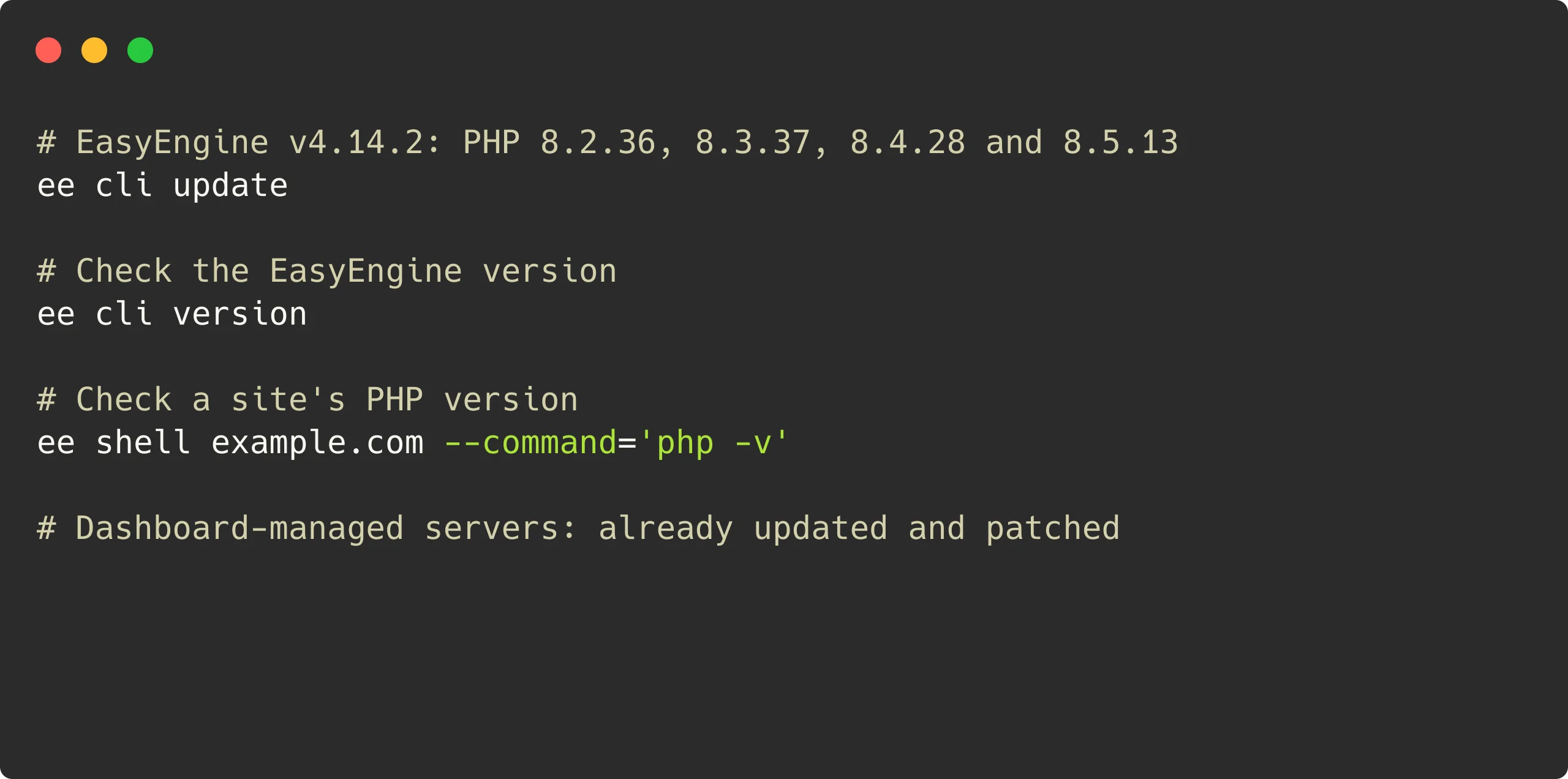
The update needs 5 GB of free disk space and stops before it changes anything if there is less. For servers you manage directly, log in with root access and run:
			# Update EasyEngine
ee cli update
v4.14.2 changes only the PHP 8.2 to 8.5 images. It recreates the containers of each enabled site on those versions, one site at a time. Plan for a brief interruption per site. If a site fails to move, EasyEngine rolls back the sites it already moved and stays on its current version, so you can run the update again.
A disabled site on those versions gets the new image when you enable it:
			# Enable a disabled site
ee site enable example.com
On a version older than v4.14.0, review its update notes first.
How to verify
Two checks confirm the update. Replace example.com with a site’s domain:
			# EasyEngine version
ee cli version

# PHP version of a site
ee shell example.com --command='php -v'
You should see:
- EasyEngine version:
ee cli versionshows EE 4.14.2. - PHP version: for a site on PHP 8.2–8.5,
php -vshows 8.2.36, 8.3.37, 8.4.28 or 8.5.13.
Without shell access, WordPress shows a site’s PHP version under Tools > Site Health > Info: expand Server.
If either check still shows the old version, our team is glad to help.
Sites on PHP 8.1 or older
PHP 8.1 and older are end of life, so PHP’s releases and this update do not cover them. After updating EasyEngine, back up each of those sites, check that its theme and plugins support PHP 8.3 or newer, then move it:
			# Move a site to PHP 8.4
ee site update example.com --php=8.4
Thanks to the PHP security team for the advance notice and the fixes, and to the researchers credited in PHP’s advisories.
Links: v4.14.2 release | PHP security advisories | Heads-up post | v4.14.1 post | Documentation | GitHub
On this page
Leave a Reply