EE Dashboard supports provisioning new servers on Hetzner with Ubuntu 24.04 LTS.
Follow the steps below to provision a new server:
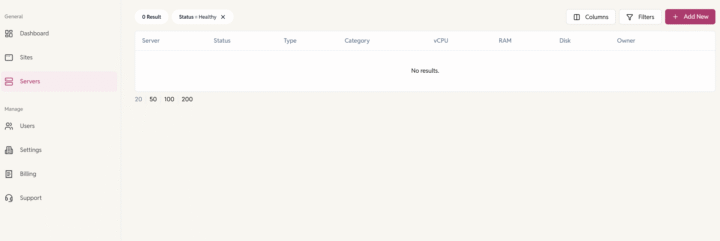
- Go to Servers > Click on the ‘Add New’ button.
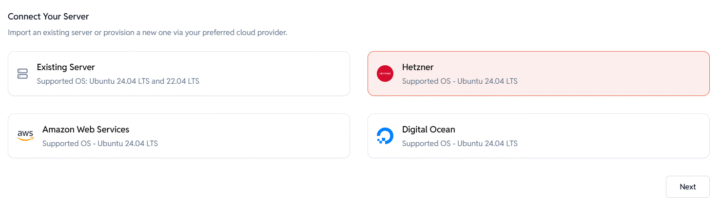
- Choose Hetzner as your cloud provider and proceed to the next step.
- Server Configuration: Enter Server Details
- Server Name: Provide a name for the server.
Example: domain.com, sub.domain.com - Server Category: Select the purpose of the server.
Example: development, production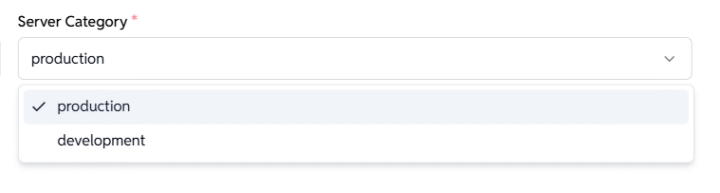
- Choose Server Region:
- Select a preferred location:
- USA
- Germany
- Finland
- Singapore
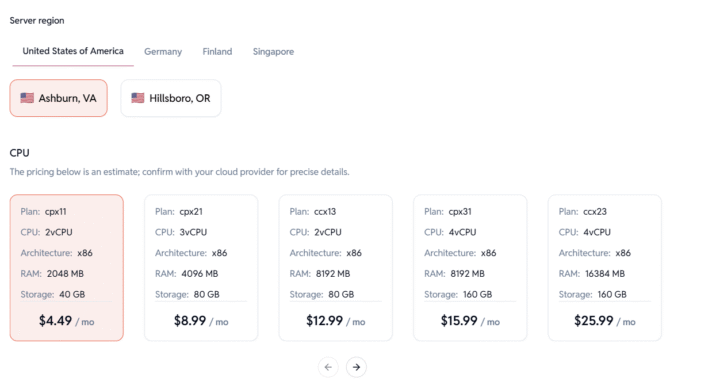
- Pick a Server Plan:
Choose a CPU/RAM/Storage configuration.
Pricing is indicative — confirm final costs with Hetzner.
- Select a preferred location:
- Server Name: Provide a name for the server.
- Click Submit to provision your server.
EasyEngine will automatically create the server on Hetzner and set it up with your chosen configuration.
Note: Server provisioning might take 15-20 minutes. The server status will automatically update to “Live” once provisioning is complete.
Require help? Contact us via helpdesk.
Secure & Access Servers
Once provisioned, you’ll be able to:
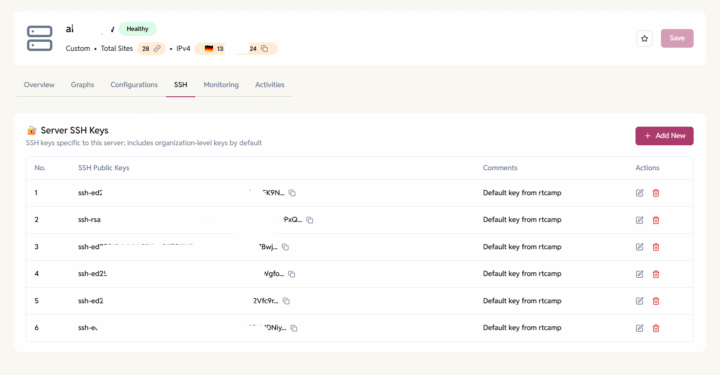
- SSH into the server by adding SSH keys at the organization level or at the individual server.
- Create and manage WordPress or other PHP sites.
- Enable Firewall and block malicious traffic.