
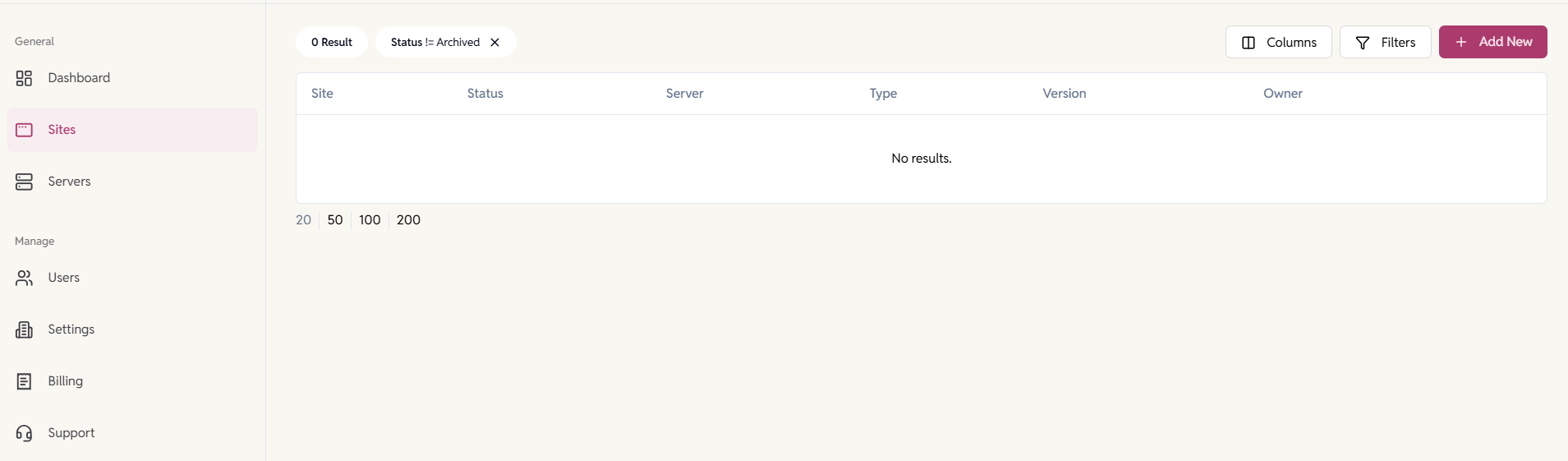
EasyEngine Dashboard allows you to create and manage WordPress, PHP, or HTML sites in two ways:
- On your own servers (VPS / self-hosted) using EasyEngine
- WP Cloud platform
When adding a new site, you must first choose how and where the site will be created.
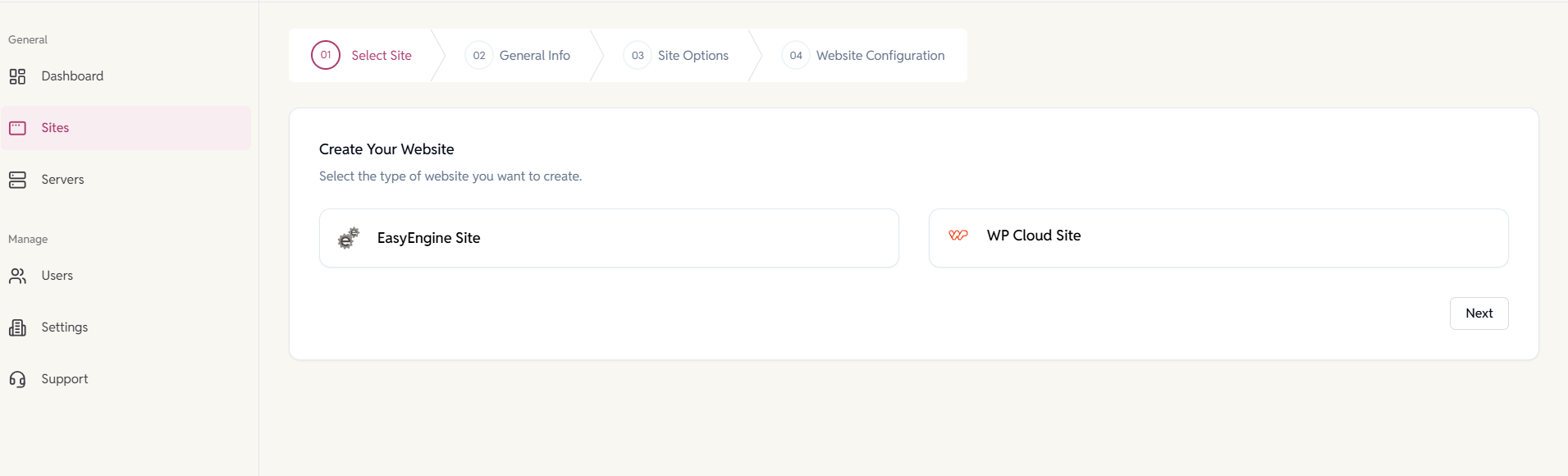
Choose a Site Type
1. EasyEngine Sites (Self-Hosted)
These are sites you can create on your servers with EasyEngine CLI installed on them.
You can create the following site types:
- WordPress
- PHP
- HTML
Use this option if:
- You manage your own VPS or cloud servers
- You want full control over server configuration
- You are hosting non-WordPress sites (PHP or HTML)
- You already have EasyEngine installed on your servers
Once created, these sites run entirely on your infrastructure and are managed through the Dashboard.
2. WP Cloud WordPress Sites
These are WordPress-only sites created and hosted on the WP Cloud platform.
Use this option if:
- You want a fully managed WordPress hosting experience
- You don’t want to manage servers or EasyEngine installations
- You prefer usage-based, managed WordPress infrastructure
- You want faster onboarding with minimal setup
WP Cloud sites follow a different permission model and are billable resources, with built-in scaling, backups, and performance optimizations.