
Hello there,
We’ve shipped six EasyEngine releases between January and October 2026, from v4.10.2 through v4.13.2. Together, they strengthen security, extend HTTP authentication across a site’s domains, make PHP 8.4 the default for new WordPress sites, and improve SSL, backups and updates.
Before updating, review the upgrade notes below, especially if you manage custom authentication files or use clone and sync across servers.
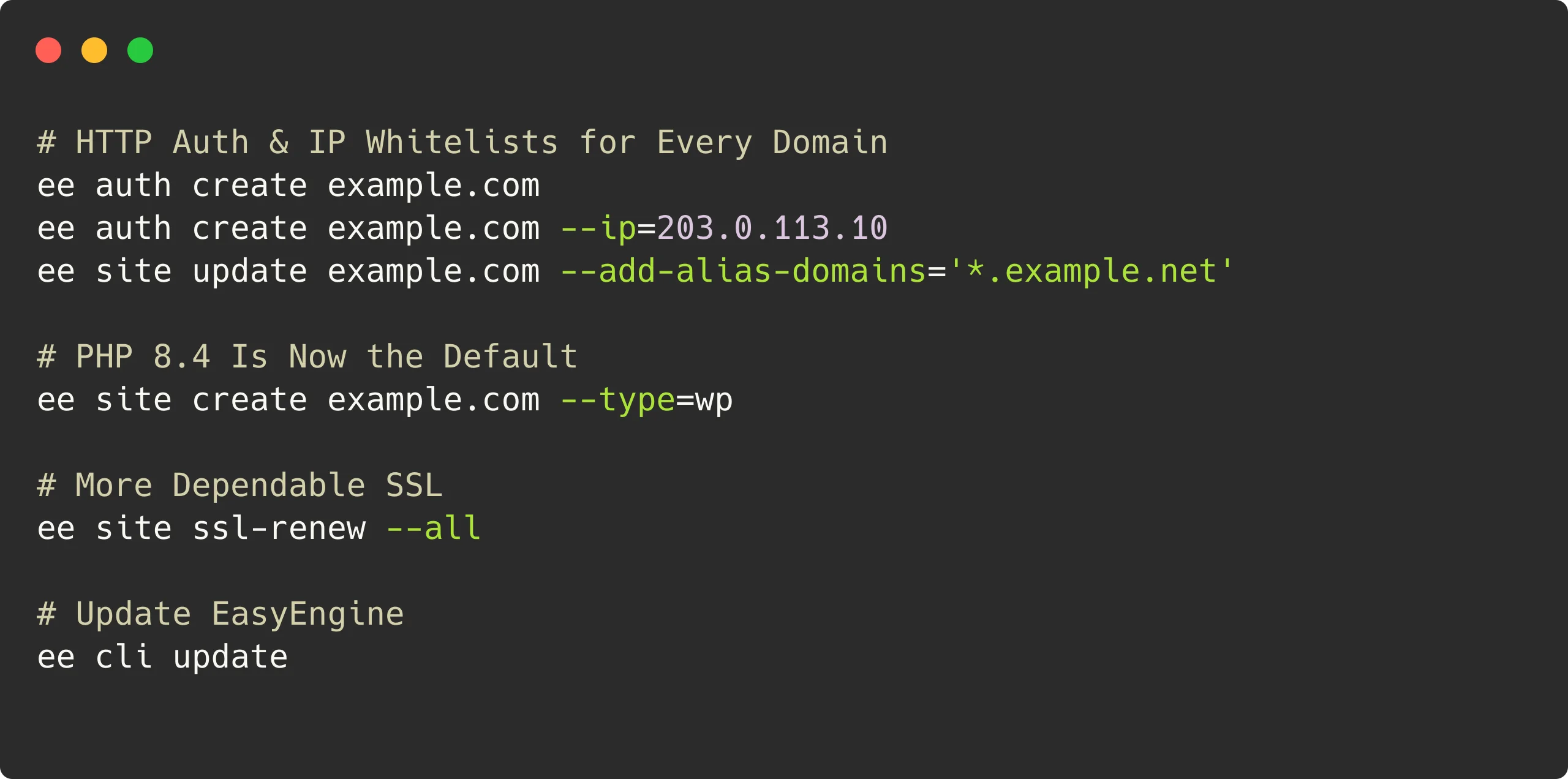
Features added
HTTP auth and IP whitelists for every domain
Until now, ee auth protected only a site’s main domain. Starting with v4.13.0, HTTP auth and IP whitelists cover every domain a site serves: subdomain multisite subsites, alias domains and *.alias wildcard aliases. Protection follows automatically when you add or remove aliases.
# Protect a site, its multisite subsites and its alias domains
ee auth create example.com

# Allow an IP address through, on every domain of the site
ee auth create example.com --ip=203.0.113.10

# New aliases are protected as soon as they're added
ee site update example.com --add-alias-domains='example.net,*.example.net'
An unrelated site such as shop.example.com also no longer asks for the credentials of a multisite at example.com.
Existing sites are fixed during the update: Unprotected subsites and aliases get the site’s existing credentials. HTTP auth applies to all domains served by that site. If a domain needs to stay public while the others are protected, serve it from a separate site.
PHP 8.4 is now the default
As promised in our last release post, all new WordPress sites use PHP 8.4 by default (v4.12.0). Existing sites stay on their current version until you update them; take a backup and check your theme and plugins first.
# New sites get PHP 8.4
ee site create example.com --type=wp

# Move an existing site to PHP 8.4
ee site update example.com --php=8.4
Automatic log rotation
EasyEngine now rotates its own logs, every site’s Nginx and PHP logs, and the nginx-proxy logs daily, keeping 30 days (v4.12.0). It works on Linux servers with logrotate, which EasyEngine installs automatically on Ubuntu and Debian.
Verified WordPress downloads
New and restored WordPress sites get a complete core, checked with wp core verify-checksums, and a failed download stops the site creation cleanly (v4.13.1). Existing WordPress 7.x sites with incomplete core files are repaired during the update, without touching content or database. Disabled or stopped sites, and sites that can’t be checked, receive a warning with instructions for checking them later.
Security hardening
v4.13.2 is a security release, and we recommend that everyone update:
- Stricter validation and quoting for shell commands: Site names are validated, and values passed to local or remote shells are quoted, including in
ee site cloneandee site sync.ee log showno longer goes through a shell. - One database per site user: Each site’s database user can access only its own database. Existing grants are tightened during the update; customized or shared grants are left alone with a warning.
- Secrets stay out of logs and backups: Passwords, API keys and tokens are no longer written to
ee.log, the log directory is root-only, secrets in old logs are masked, and backup metadata no longer stores site passwords. - Admin tools are isolated: They no longer mount the EasyEngine database, and their auth stays separate from the global auth.
- Remote targets are refused: WP-CLI-style remote targets (
--ssh,--http, or an alias pointing to a remote server) now stop with an error instead of silently running locally.ee site cloneandee site syncremain supported. Update both servers before using them; see the compatibility notes below.
Reliability improvements
SSL and Let’s Encrypt
- Failed alias changes roll back: If a certificate can’t be issued for new aliases, everything stays as it was and the command exits with an error.
- Failed SSL verification preserves the current key: If
ee site ssl-verifyfails, it keeps the previous key. Certificates are checked against their keys before deployment. - Custom certificates are checked:
--ssl=custominstalls the certificate and key, and refuses invalid files, broken chains or mismatched keys. - Rate-limit-aware bulk renewals:
ee site ssl-renew --allpauses between sites and moves on when one is rate-limited. - Self-signed SSL on newer systems: Self-signed certificates are no longer rejected on OpenSSL 3.2 or newer, such as Ubuntu 26.04 and Debian 13 (v4.13.2).
Updates
- Earlier migrations roll back if the image update fails: EasyEngine reverts earlier container migrations from the same update attempt so they can run again on retry. Once image migration has completed, a later failure keeps those changes.
- Fix for intermittent slow requests after container updates: EasyEngine reloads each recreated site’s Nginx automatically, so it stops sending requests to the removed temporary PHP container.
- Safer reloads and self-updates: nginx-proxy is reloaded only when its new config passes
nginx -t, andee cli updateno longer fails after the new version is downloaded.
Backup, restore and installation
- Memory-aware backups: rclone’s memory use is capped based on available RAM, and restores no longer run out of PHP memory while downloading WordPress core. Older, distribution-packaged rclone versions work too.
- Installer checks: The installer verifies the SHA-512 checksum of its download and works on Ubuntu 26.04. To let it wait for a busy package manager, run:
# Install EasyEngine, waiting for the package manager if needed
wget -qO ee https://rt.cx/ee4 && sudo EE_APT_LOCK_WAIT=1 bash ee
Stack updates
Core services
| Component | Previous version | Updated version |
|---|---|---|
| Redis | 8.4.0 | 8.10.2 |
| Nginx (OpenResty) | 1.27.1.1 | 1.31.1.1 |
| Nginx-proxy | 1.9.0 | 1.11.6 |
PHP versions
| PHP branch | Previous version | Updated version |
|---|---|---|
| 8.1 | 8.1.33 | 8.1.34 |
| 8.2 | 8.2.29 | 8.2.34 |
| 8.3 | 8.3.28 | 8.3.35 |
| 8.4 | 8.4.15 | 8.4.26 |
| 8.5 | 8.5.0 | 8.5.11 |
The PHP 8.1 image also receives Debian security updates at build time. PHP 7.4 and 8.0 receive a final image rebuild with the last Debian 11 security updates; their PHP versions are unchanged.
Other components
| Component | Previous version | Updated version |
|---|---|---|
| Debian (Postfix) | 13.2-slim | 13.7-slim |
| Alpine (NewRelic Daemon) | 3.23.0 | 3.24.2 |
| Ofelia (Cron) | 0.3.19 | 0.3.22 |
Notable bug fixes
- Cron schedules:
ee cron updatemade* * * * *fire every second instead of every minute. Fixed, and existing jobs are corrected during the update. - Site creation and cloning: A failed
ee site createremoves only what it created, never another site’s database, user or volumes, andee site cloneworks with a server that has no sites yet. - Alias domains and IP whitelists: Alias names are validated before anything changes, and an invalid CIDR range is refused instead of stopping proxy reloads for every site.
- Auth passwords:
ee authpasswords containing spaces,$or;are saved correctly.
Before you update
- Hand-made auth files are replaced: The update rebuilds every site’s htpasswd and whitelist files from
ee auth(old copies go to/opt/easyengine/.backup/, or~/easyengine/.backup/on macOS). Recreate hand-made protection, such as_wildcardfiles for a multisite, withee auth createfirst. - Back up first: Run
ee site backup example.comfor each site you manage. - Container updates and downtime: Coming from v4.13.0 or earlier, every WordPress and PHP site is recreated. A temporary container keeps each site serving during the switch, but plan for a brief interruption per site.
- Image downloads: Coming from v4.12.0 or earlier, each PHP version you use (7.4 and newer) downloads a new image. Each is a few hundred MB to download and about 1.5 GB on disk. Warnings from the update are in
/opt/easyengine/logs/ee.log. - Sites with admin tools enabled: Their PHP and Nginx containers are recreated to drop the EasyEngine database mount. Expect a few seconds of 502 errors per site.
- Let’s Encrypt now requires a valid email: Issuance and renewal stop with an error when
le-mailis missing or invalid. Check it withee config get le-mail, and set it withee config set le-mail you@example.com. - Logs are root-only: If a log shipper, fail2ban or a non-root user reads
/opt/easyengine/logs, adjust it first. - Disk space and update session: Keep at least 5 GB free where EasyEngine and Docker store their data, and run the update in
tmuxorscreen. - Clone and sync: Update both servers to v4.13.2 or newer first. Database credentials containing quotes, dollar signs, backticks or backslashes are refused. If the first clone or sync right after an update says “Unable to get site list”, run it again.
- Stricter site names: New site names must be valid hostnames of up to 64 characters, with internationalized names in punycode (
xn--…). - Sites on PHP 8.1 or older: These versions are end of life. Plan to move them, for example with
ee site update example.com --php=8.4.
Update to the latest version
After reviewing the upgrade notes, run:
ee cli updateFor a detailed breakdown of all changes, check out the release notes on GitHub:
Links: Documentation | GitHub
On this page
Leave a Reply